Your crew is out in the field completing shifts every day. The Proof of Service Summary Report tells you how well it’s being documented — compliance rates, missing proofs, late submissions — so you can address gaps before they become client conversations.
The Proof of Service Summary Report gives you a quick overview of compliance, missing proofs, late submissions, and overall team performance.
When to Use This
Use this report when you want to:
- Monitor team compliance and performance
- Identify missing or late proof submissions
- Track daily activity across employees and sites
- Review trends over a selected time period
Go to Proof of Service
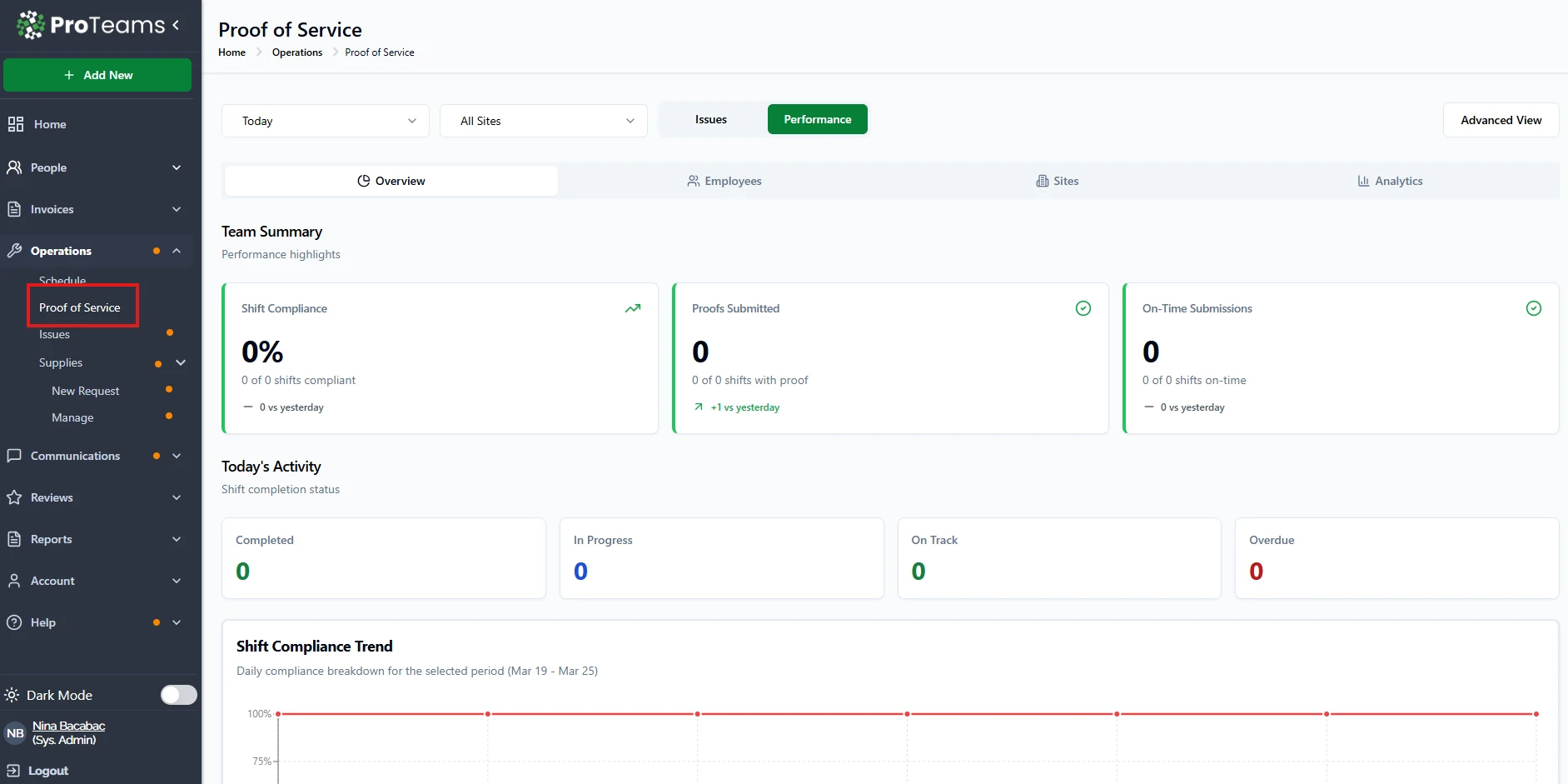
- From the left sidebar, click Operations
- Select Proof of Service
Set Your Filters
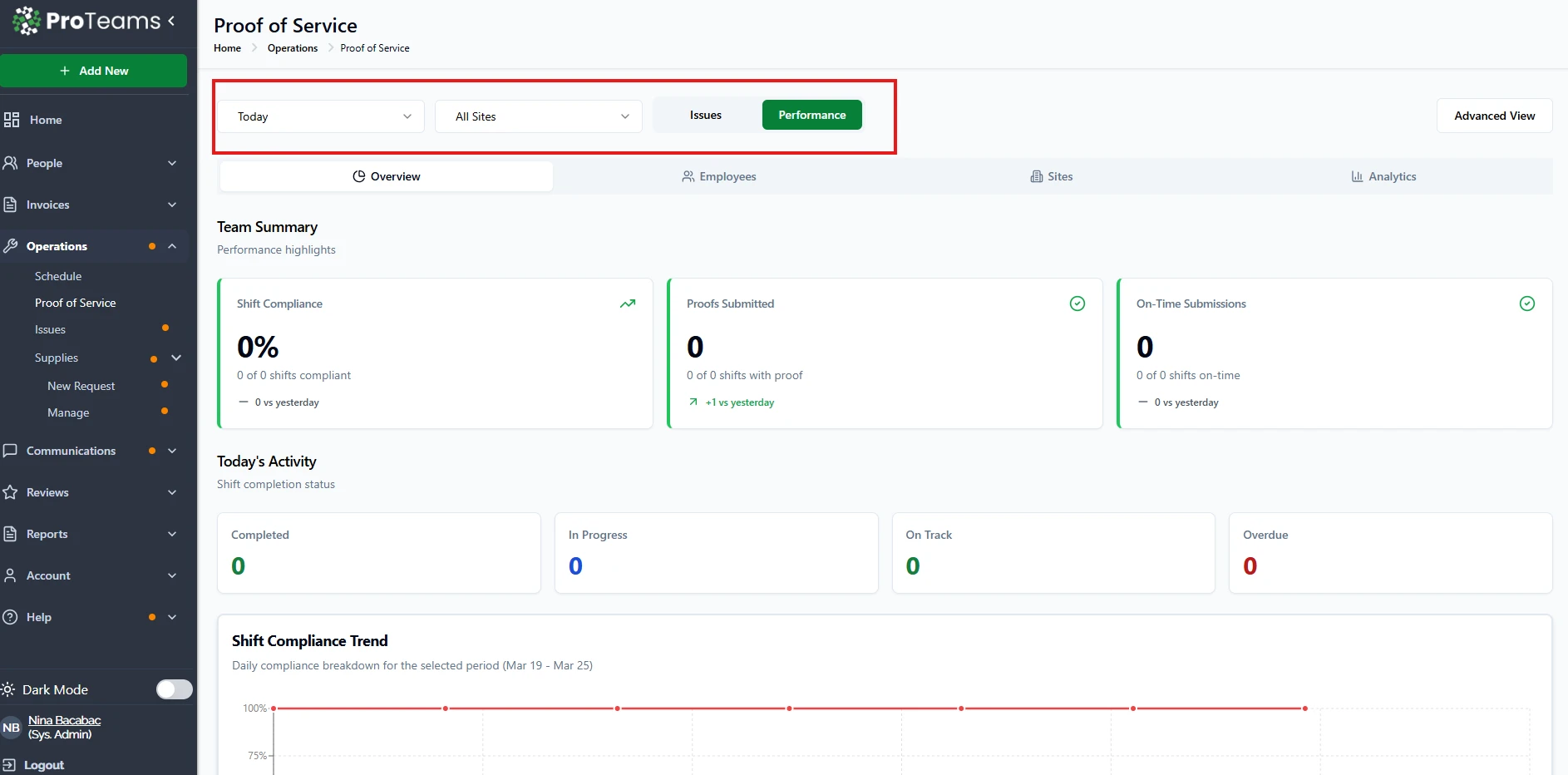
At the top of the page, select:
- Date Range (e.g., Today or custom range)
- Site Filter (e.g., All Sites or specific locations)
These filters will update the summary report data.
Choose Report Type
You can toggle between two main views:
Issues Tab
- Focuses on problems requiring attention
- Includes:
- Non-compliance rate
- Missing proofs
- Late submissions
Performance Tab
- Focuses on overall team performance
- Includes:
- Shift compliance
- Proofs submitted
- On-time submissions
Navigate Report Sections
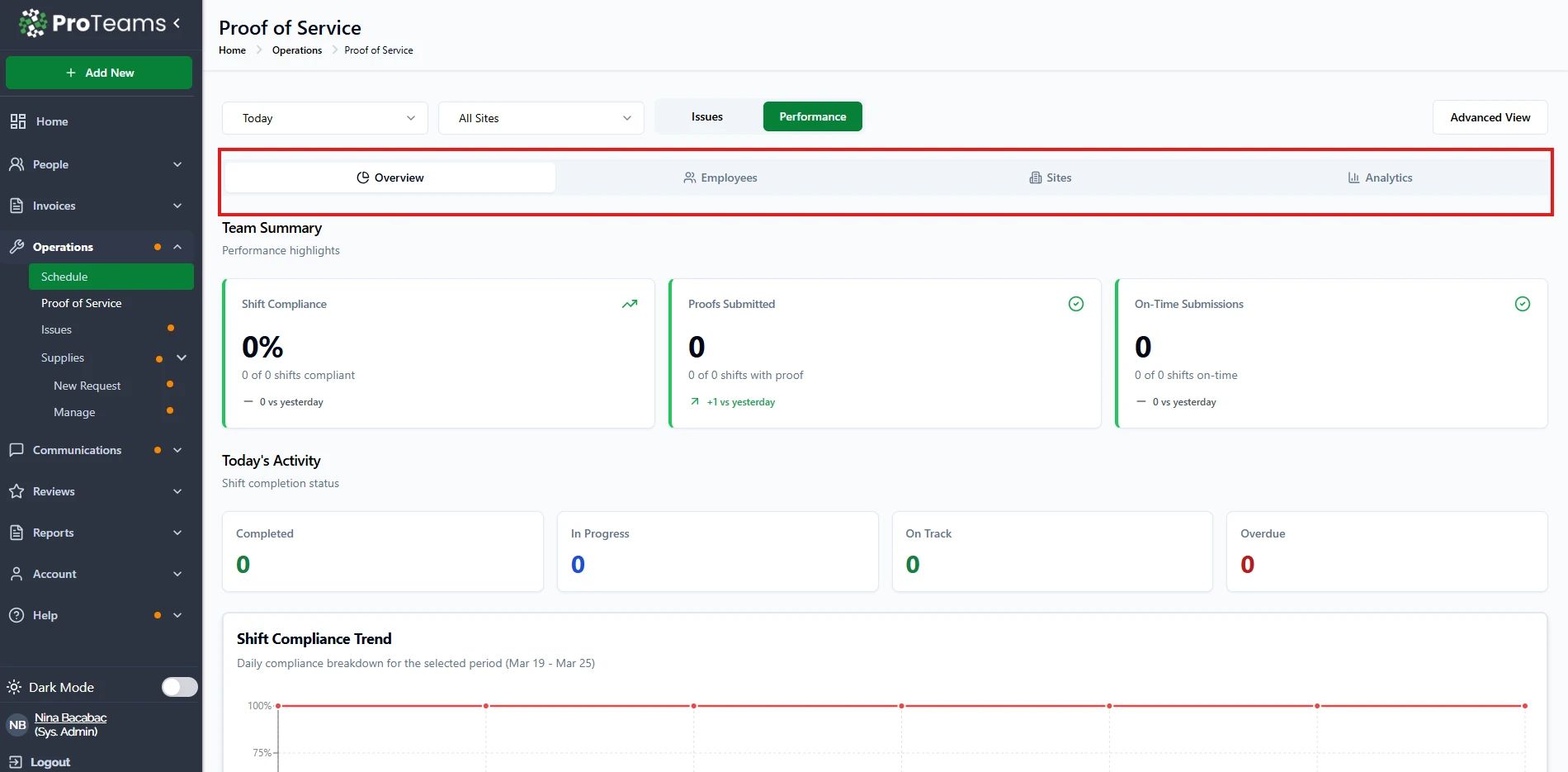
Use the navigation tabs to explore different summary views:
- Overview Displays high-level team summary and key metrics
- Employees Shows performance per employee
- Sites Breaks down performance by location
- Analytics Provides deeper insights and trends
Review Summary Metrics
Team Summary
- Displays key performance indicators such as:
- Compliance rate
- Missing proofs
- Late or on-time submissions
Today’s Activity
- Shows current status of shifts:
- Overdue
- Due soon
- In progress
- Completed
Shift Compliance Trend
- Visual chart showing compliance over time
- Helps identify patterns and performance trends
Optional: Advanced View
- Click Advanced View (top right) for more detailed reporting and deeper insights
Important Notes
- Data updates based on selected filters
- Metrics reflect real-time or latest submitted data
- Use both Issues and Performance tabs for a complete view
Tips
- Check the Issues tab daily to catch problems early
- Use the Performance tab weekly for team evaluation
- Review Analytics to identify long-term trends and improvements
Tip
Issues tab daily, Performance tab weekly. That cadence keeps small compliance gaps from quietly becoming large ones.