Privacy & Data settings explain how your company data is stored, what happens when data is deleted, and how to request account deletion if you ever need it. Read this before making any changes to your account status.
Overview
Privacy & Data settings control how your company’s data is handled, stored, and deleted in ProTeams. It gives you visibility into what happens to your data and allows you to manage company deletion when needed.
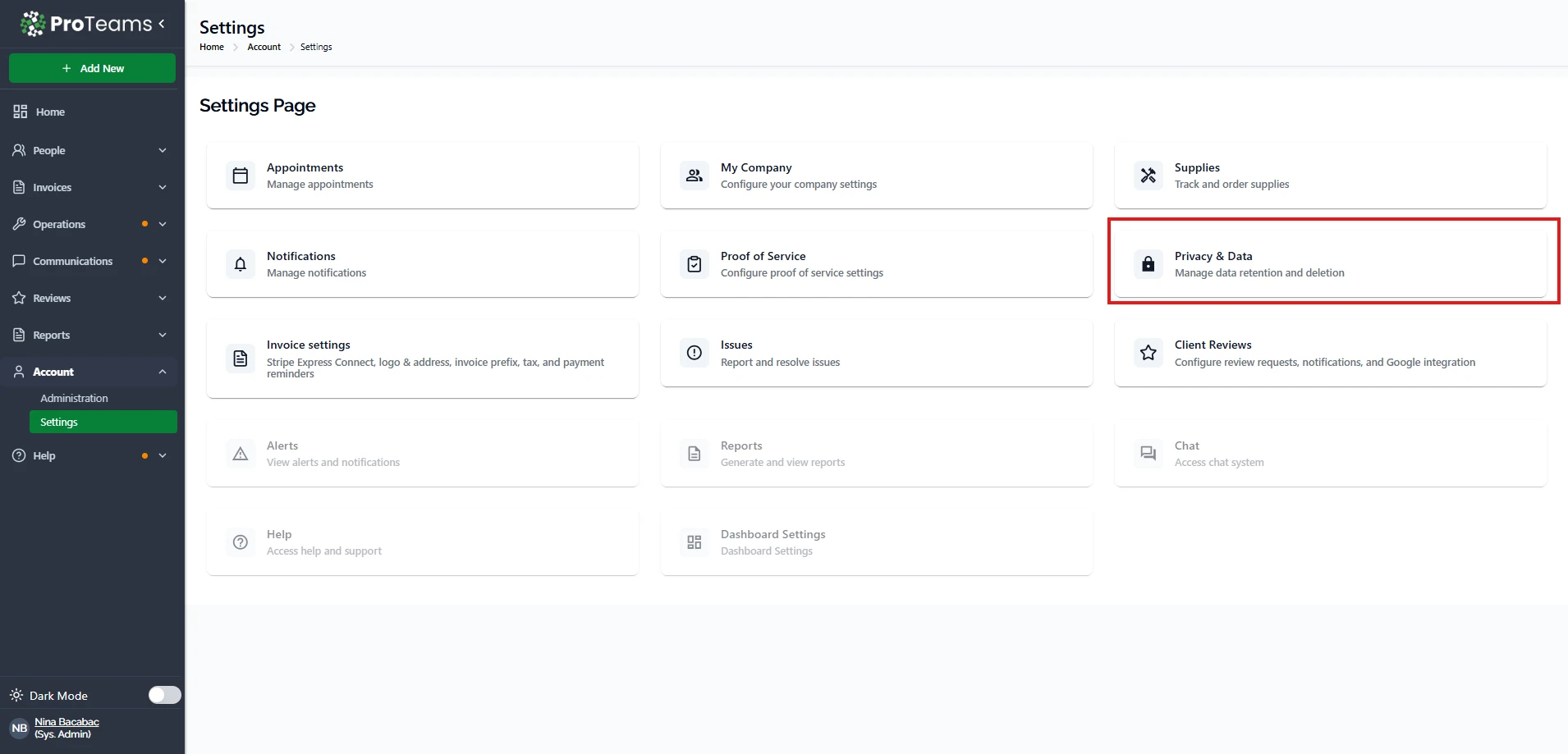
How to Access Privacy & Data
- Go to Account
- Click Settings
- Select Privacy & Data
Data Handling Overview
This section explains how your data is managed in the system.
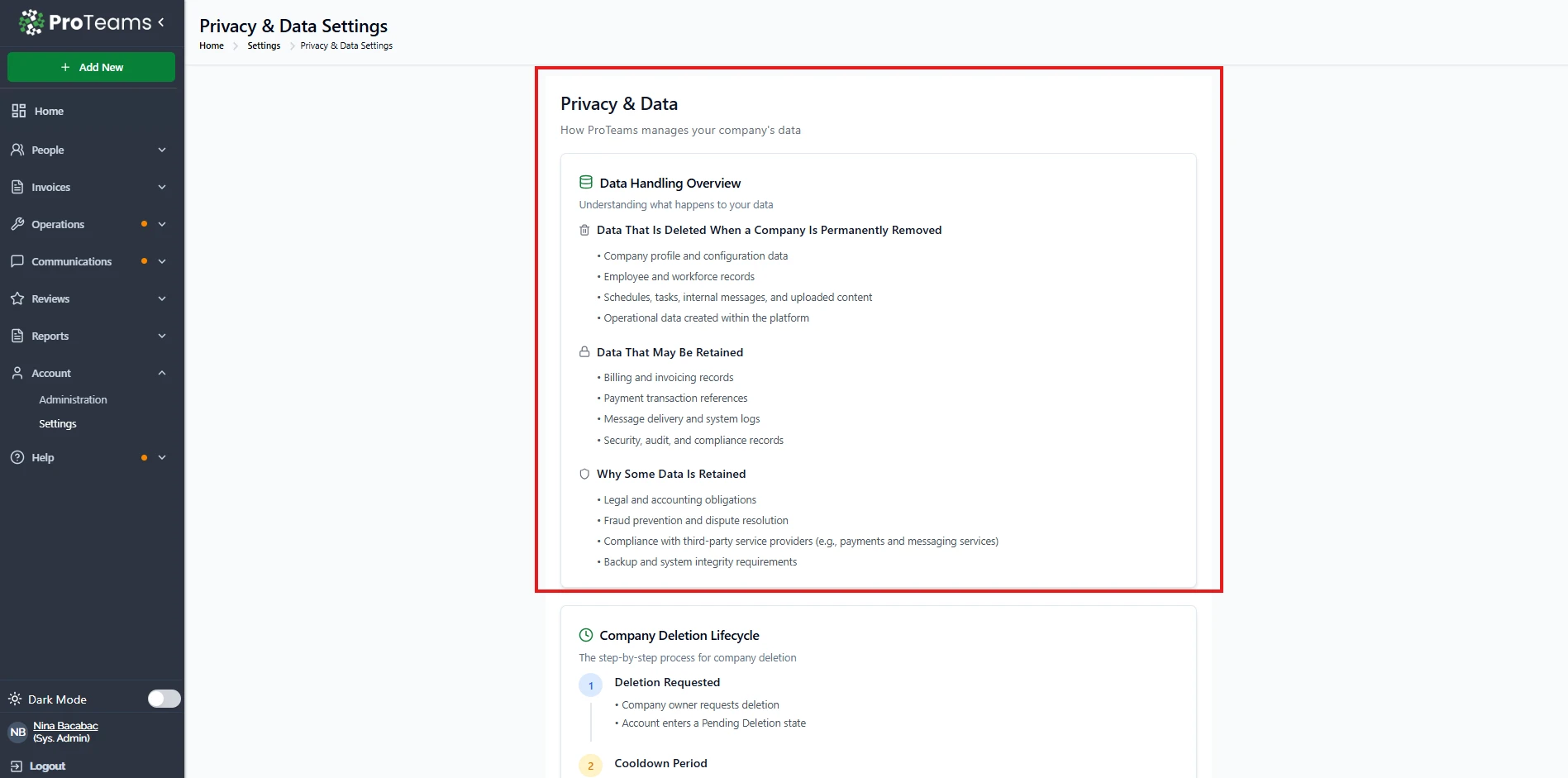
Data that is permanently deleted when a company is removed:
- Company profile and configuration
- Employee and workforce records
- Schedules, tasks, and internal messages
- Uploaded content and operational data
Data that may be retained:
- Billing and invoice records
- Payment transaction references
- Message delivery logs
- Security, audit, and compliance records
Why some data is retained:
- Legal and accounting requirements
- Fraud prevention and dispute handling
- Compliance with third-party services (like payments and messaging)
- System backup and integrity needs
Company Deletion Lifecycle
Deleting a company follows a controlled process to prevent mistakes.
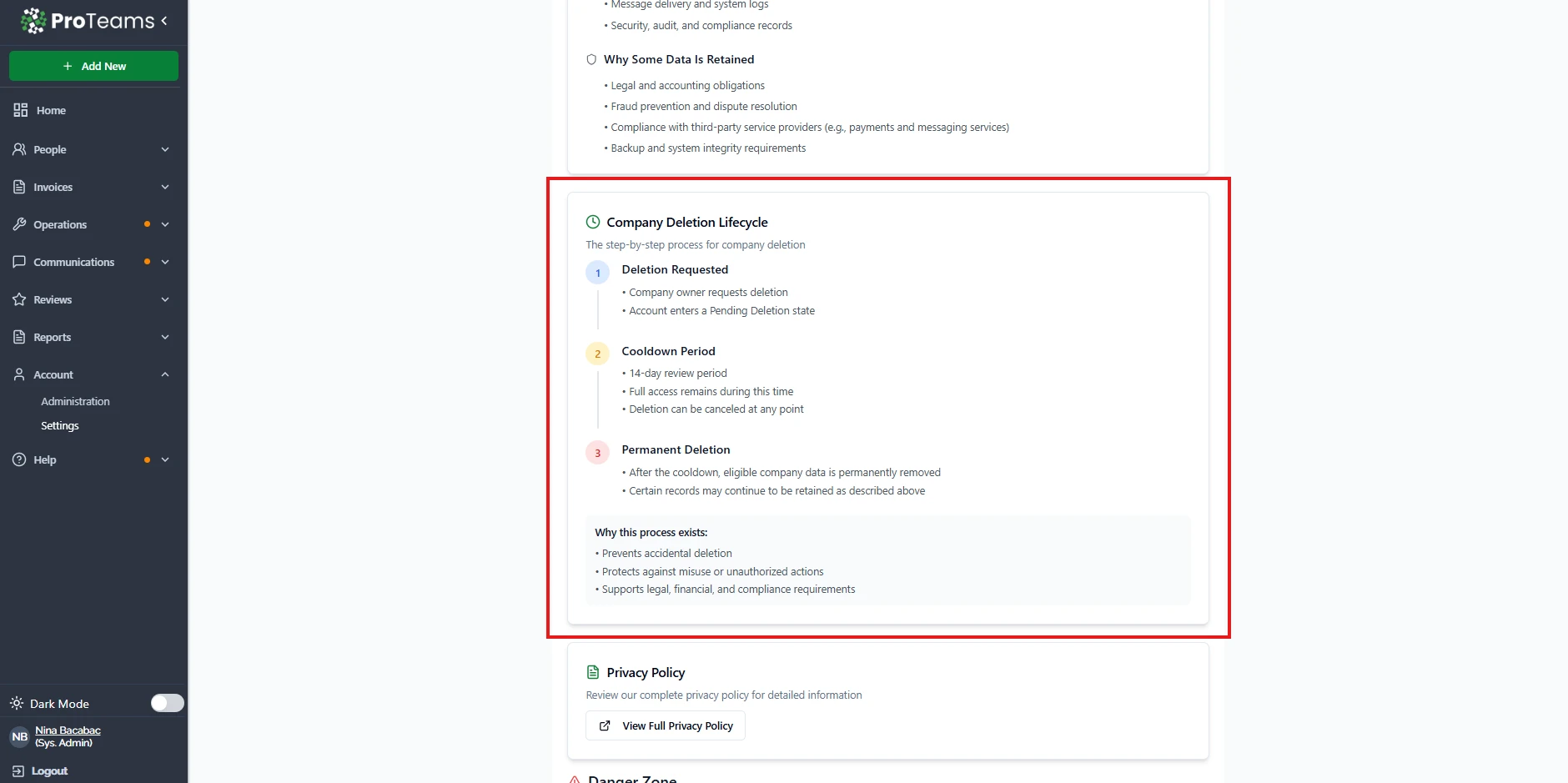
1. Deletion Requested
- The company owner submits a deletion request
- The account enters a pending state
2. Cooldown Period (14 days)
- Full access is still available
- You can cancel the deletion anytime during this period
3. Permanent Deletion
- After 14 days, eligible data is permanently removed
- Some records may still be retained for compliance reasons
Why this process exists:
- Prevents accidental deletion
- Protects against unauthorized actions
- Supports legal and compliance requirements
Privacy Policy
You can review the full privacy policy to understand how your data is handled in detail.
- Click View Full Privacy Policy to open the document
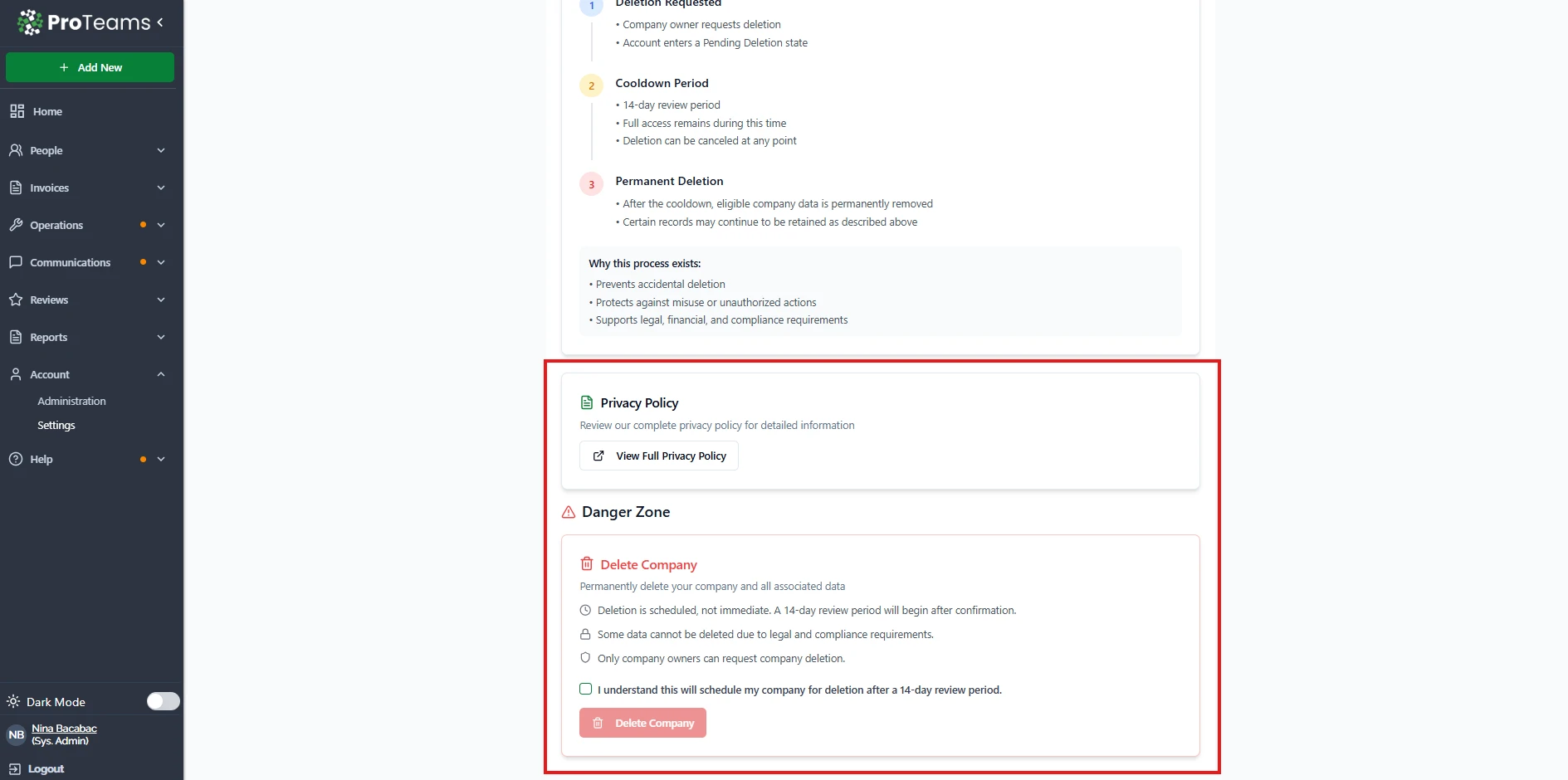
Danger Zone (Delete Company)
This section allows you to permanently delete your company.
Important notes:
- Deletion is not immediate
- A 14-day review period applies after confirmation
- Only company owners can request deletion
- Some data may still be retained for legal reasons
How to delete your company:
- Check the confirmation box
- Click Delete Company
- Confirm your action
When to Use Privacy & Data Settings
Use this section when you need to:
- Understand how your data is stored and handled
- Review what happens when data is deleted
- Request company deletion
- Ensure compliance with privacy and data policies
Pro Tip
Before deleting your company, make sure to export or back up any important data. Once the deletion is complete, most data cannot be recovered.
Export or back up any important data before initiating a deletion request. Once the 14-day cooldown ends, the data cannot be recovered.